One sentence. Three entries.
It isn't sure about the third one, so it asks you — instead of picking a category and hoping.
AI entry needs a separate subscription. Without it, the calculator keypad still works.
Where this came from
Paper forms first, then Excel, for twenty years.
I picked up the habit during my trading years. Paper forms back then, later a spreadsheet I built myself and used for a very long time.
Ledgerly is that same twenty-year-old logic, rebuilt as an app. It isn't shaped like what an expense tracker is supposed to look like — it's shaped like how someone who actually tracks every day works.
Entry
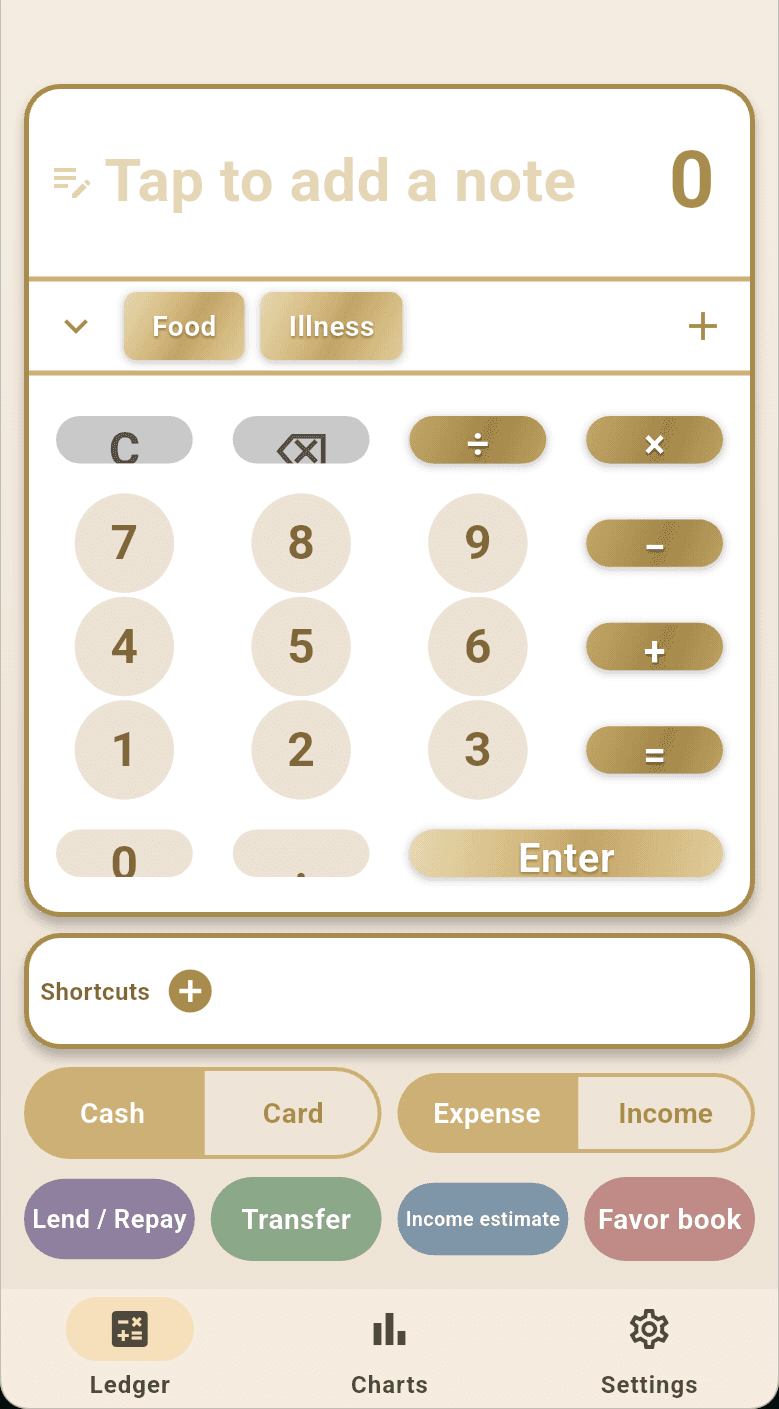
The amount field is a calculator, because you were going to do the maths anyway.
Bought three things and need the total? Add them up right in the amount field. No switching to a calculator and back.
Cash, bank and credit card each carry their own balance. When the books and the actual cash disagree, do a cash count to reconcile.
Four things most expense apps don't have
Charts
Where the money actually went.
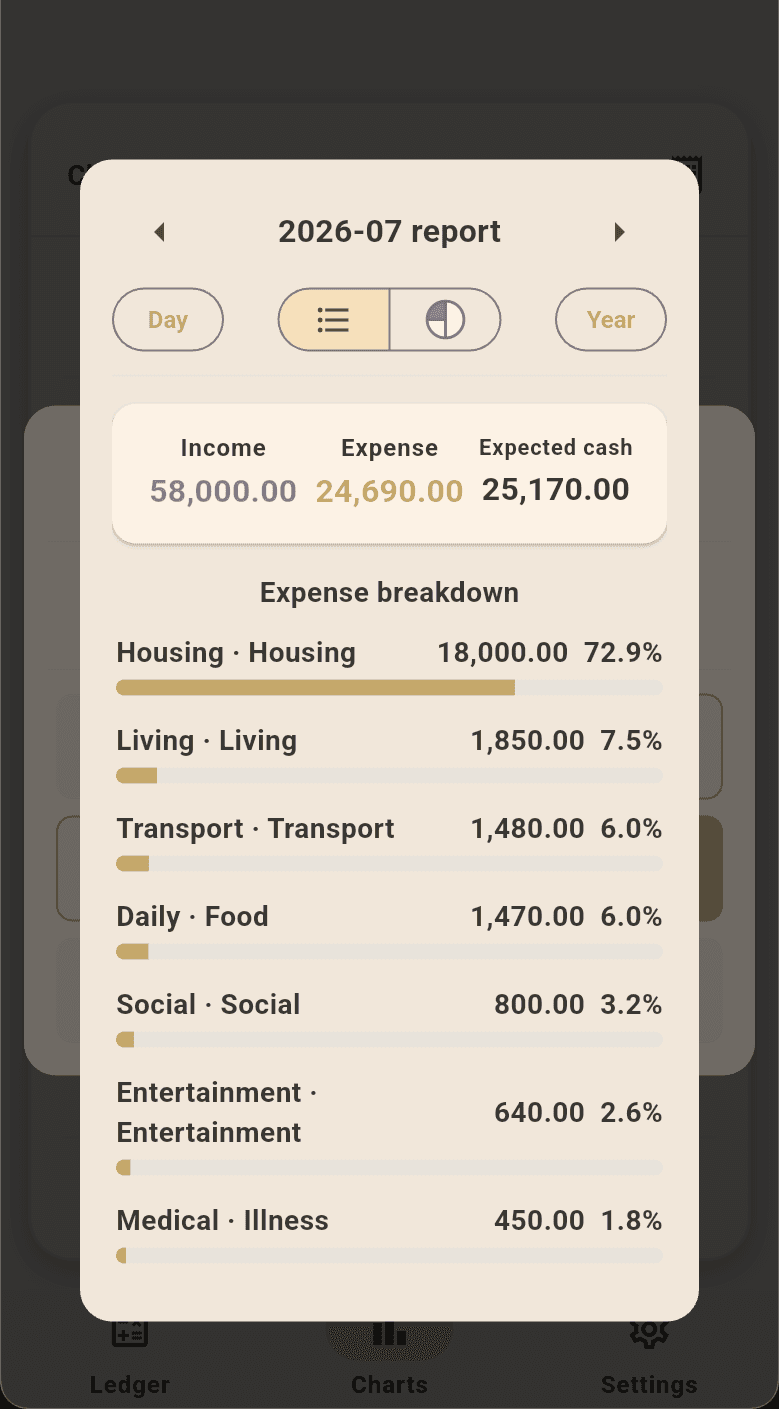
Income and expense trends, category share, account balances, debtor list, favour list. Switch between daily, monthly and yearly.
Languages
Four languages, not one string missing.
Traditional Chinese, English, French and Vietnamese — 454 strings each, fully translated. Other languages work too: the AI follows whatever language you type in.
Once you sign in
It works signed out. Signing in adds these.
- Uploads on open and 6 seconds after an entry — nothing to press
- A backup a day, 14 kept, restore any one of them
- Up to 3 devices at once; phone and web share one set of data
- Several entries from one sentence — understands lending, repayment, transfers, card payments and income
- Edit what's already there: say “change last week's lunch to 150” and it finds it and confirms before changing
- Monthly reports compare the same month last year; yearly ones compare three years, across six angles
- Stuck on a feature? Just ask it
Plans coming soon
Watch it run
Eight seconds, one sentence, three entries.
Type “lunch 120 coffee 80 taxi 250” and send. The first two land in Food on their own. The third has no matching category — so it turns red and asks, rather than guessing.
Before you install
A few things worth knowing.
You can log your first entry right now.
No account, no connection needed. Install and it works.